
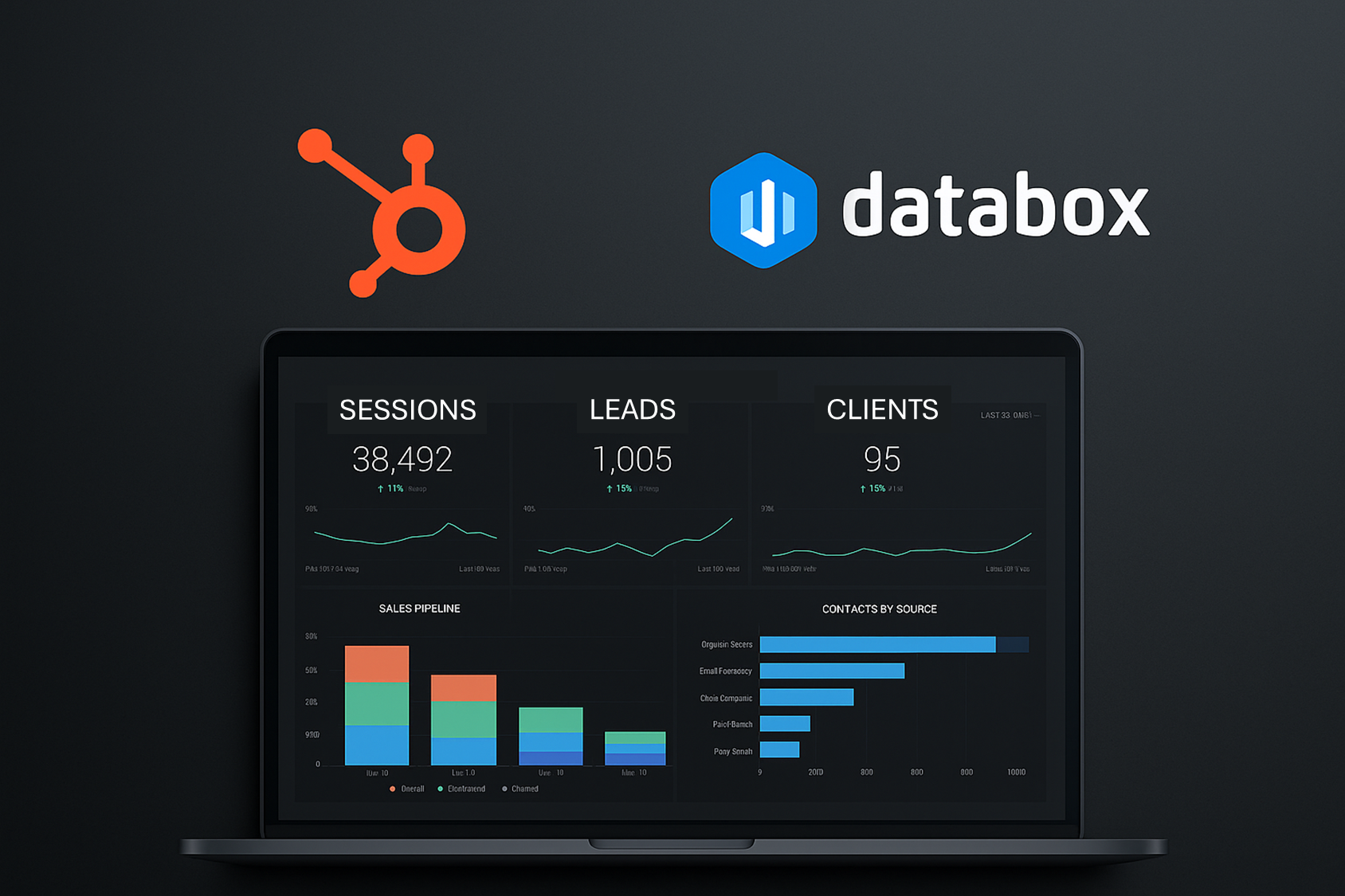
Many small and mid-sized businesses rely on HubSpot to manage contacts, execute marketing campaigns, and track sales performance. While the platform offers a wide range of features, its reporting capabilities can fall short when teams need more comprehensive visibility. At SMBinfo, we recently tested an add-on from Databox designed to extend HubSpot’s reporting functionality. The results were clear. For growing businesses that need to see more than isolated metrics, the combination of HubSpot and Databox provides a structured, effective alternative to cobbled-together spreadsheets and disconnected dashboards.
What Databox Adds to the HubSpot Environment
HubSpot reports are typically built around individual objects. This means that contacts, deals, marketing emails, and tickets each live in separate reporting structures. That works for basic operational tracking, but it becomes a constraint when you want to understand how those elements relate to one another.
Databox connects directly to HubSpot and allows you to merge data across objects. You can examine how website visits relate to qualified leads, how those leads convert to opportunities, and how opportunities generate revenue. You can also add data from other systems such as Google Ads, Salesforce, and Google Sheets. For small business owners and operators who need a full view of business performance, this creates a single point of reference.
Moving from Assumptions to Actuals in Sales Forecasting
Forecasting inside HubSpot is built around stage-based probabilities. Each deal stage is assigned a fixed percentage likelihood of closing. While this is simple to set up, most of the values are based on guesses or outdated assumptions.
Using actual deal histories from HubSpot, Databox allows you to calculate observed win rates by stage. These values can be tracked over time and broken down by sales rep, team, or pipeline. The result is a forecast that reflects current behavior rather than inherited estimates.
For businesses with inconsistent close rates or seasonally driven cycles, this kind of reporting helps isolate where performance is improving and where it needs attention. It also supports more informed coaching conversations, because managers can see how individual reps are performing at each point in the sales process.
Creating Reports that Span the Full Funnel
One of the most useful features we explored was the ability to build cross-object funnel reports. HubSpot does not provide a simple way to follow a lead from first contact through to closed revenue. You can approximate this by placing several charts on a dashboard, but those views remain disconnected.
With Databox, it becomes possible to build a single funnel report that includes sessions, contacts, MQLs, deals, and revenue. You can see conversion rates at each step, examine changes over time, and segment the data in ways that reflect actual business needs.
This level of visibility is particularly helpful for quarterly business reviews and executive reporting. It creates continuity across functions and allows decisions to be made based on trends, not assumptions.
Understanding Attribution with Greater Precision
Marketing attribution in HubSpot often relies on first-touch or last-touch models, and the outputs can be hard to interpret. Databox offers more flexibility by allowing you to create calculated fields and combine them with behavioral data.
For example, you might want to see which channels are bringing in contacts who later convert, which events are influencing pipeline creation, or whether certain content assets are associated with shorter sales cycles. These questions cannot be answered by default dashboards. They require custom metrics and thoughtful organization, both of which are easier to implement in Databox than in HubSpot alone.
Using Cohorts to Track Sales Velocity
HubSpot tends to report data by static periods. You may see how many leads were created in a given month, and how many deals closed in that same month, but the relationship between those numbers is unclear.
Databox allows you to define timeframes based on the actual pace of your sales process. You can track leads from a prior quarter, see when they became qualified, and monitor how many eventually closed. This approach aligns your reports with how your business actually operates, not how the software structures its views.
Building Reports with a Purpose
One of the most important lessons from our evaluation was the benefit of designing reports around questions. Rather than pulling in every available metric, we built dashboards to answer specific business inquiries.
Some examples included:
- Are conversion rates between MQL and opportunity improving or declining?
- Which lead sources have contributed to closed revenue in the past 90 days?
- How does the performance of individual sales reps compare by stage?
When reports are tied to questions, they are easier to use, easier to explain, and more likely to lead to action. Databox made this process more straightforward by offering calculated metrics, custom dimensions, and simple filtering across time.
Final Thoughts
HubSpot is a strong system, but it was not originally built to serve as a full reporting solution. For small and mid-sized businesses that need consistent, transparent, and decision-focused reporting, Databox provides a clear path forward.
At SMBinfo, we help companies configure HubSpot and Databox to work together. We prioritize clarity, consistency, and alignment with business objectives. If your current dashboards are leaving you with more questions than answers, it may be time to take a more structured approach. Let us know if you would like to discuss how your reporting can be built to support your goals more effectively.
Summary Tip: Integrate Databox with HubSpot reporting to centralize key metrics and enable data-driven decision-making.