
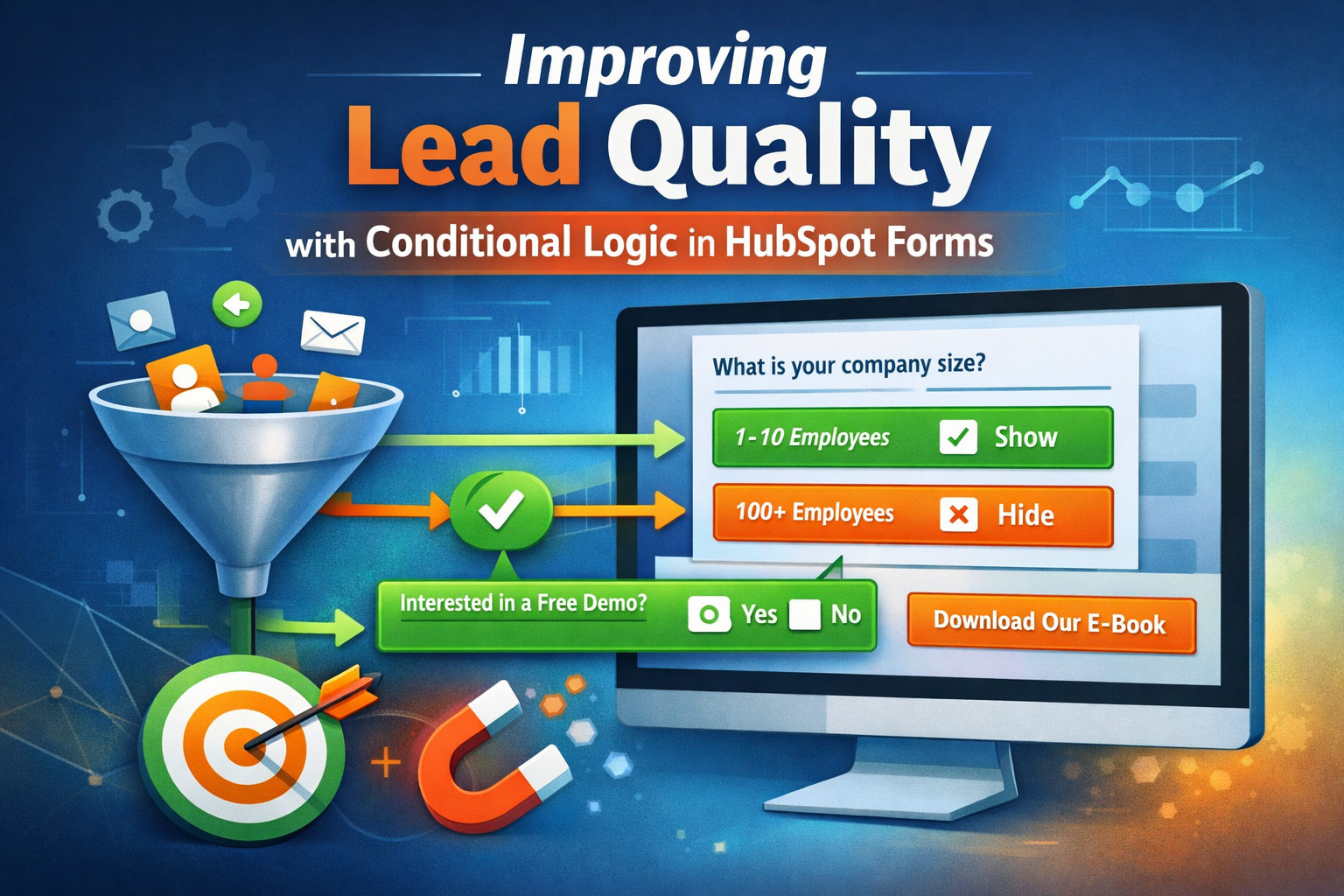
HubSpot lead capture forms are sometimes technically sound but operationally inefficient. Prospects are asked too many questions too early, while sales teams still lack the context they need once a lead is handed off. HubSpot’s conditional logic for forms offers a practical way to balance conversion rates with data quality, provided it is used with discipline and clear intent.
Conditional logic allows form fields to appear only when certain criteria are met, based on a visitor’s previous responses. This creates a more focused experience for the prospect and ensures that follow up questions are relevant rather than generic. For SMBs, this approach is especially useful because it improves lead quality without increasing form abandonment.
The first step is to decide what information is truly required at the initial point of conversion. In many cases, name, email, and one qualifying question are sufficient. Additional detail should be requested only when it adds immediate value. For example, if a visitor selects a specific service interest, follow up fields can gather information relevant to that choice. This avoids burdening every prospect with questions that apply to only a subset of respondents.
When building conditional logic, structure matters. Keep dependencies simple and logical. A single trigger field should control a small number of follow up fields. Overly complex chains are difficult to maintain and can confuse users if not tested thoroughly. Each conditional question should have a clear purpose tied to routing, segmentation, or sales context.
From an administrative perspective, conditional logic also supports cleaner data. Because follow up fields are shown only when relevant, they are more likely to be completed accurately. This reduces the volume of empty or misleading property values in the CRM. Over time, reporting and workflows perform more reliably because the underlying data reflects actual intent rather than forced responses.
It is also important to align conditional logic with internal processes. Sales and marketing teams should agree on how conditional responses will be used. If a form asks about budget range or timeline, there should be a clear plan for how that information affects follow up. Asking questions without operational impact adds friction without benefit.
Before publishing, test forms thoroughly. Submit multiple variations to confirm that fields appear as expected and that data maps correctly to contact properties. Revisit forms periodically to ensure that questions still align with current offerings and qualification criteria. As products and services evolve, form logic should evolve with them.
Used well, conditional logic transforms HubSpot forms from static lead capture tools into adaptive entry points that respect the prospect’s time and improve internal clarity. For SMBs seeking better alignment between marketing and sales, this is a small configuration effort with meaningful long term payoff.
Summary Tip: Use conditional logic in HubSpot forms to ask follow up questions only when they are relevant, improving both conversion rates and the quality of lead data.