
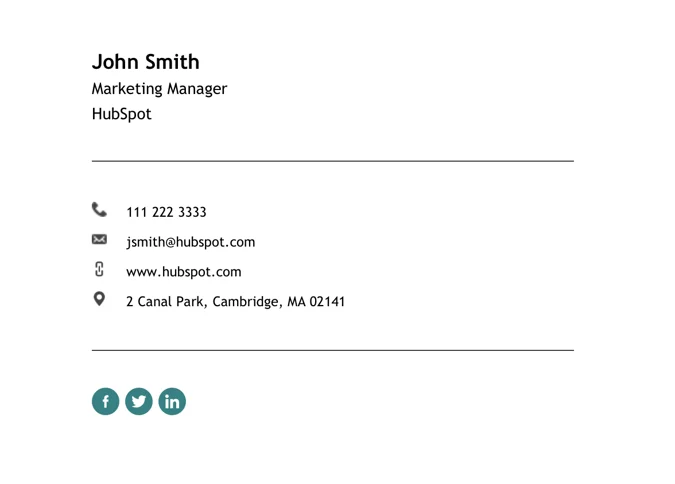
Maintaining complete and accurate contact records remains critical. HubSpot’s Inbox Automation feature can assist by quietly filling in missing contact properties using information extracted from email signatures. The mechanism is straightforward. When a connected user receives an email reply, HubSpot analyzes the signature block of the response. If the system detects information such as name, job title, phone number, or company name, it will populate those corresponding fields in the contact record, but only if those fields are blank. HubSpot will not overwrite existing data, and it will not create new contact records from an email signature alone. The automation applies only to replies, not to outbound messages or forwarded content.
To activate the feature:
- Connect your inbox to HubSpot using a personal email integration (such as Gmail or Office 365).
- Navigate to Settings, then select Objects, then Contacts.
- Under the heading for contact creation and association, locate and enable the setting titled “Fill contact details from emails with HubSpot AI.”
This setting may take several minutes to take effect. It applies only to future emails received after activation.
Administrators can review which properties have been automatically completed by exporting a list from the Contact Settings panel. This provides an opportunity to verify the quality of the automated enrichment and adjust any values that were inserted inaccurately.
For teams that regularly handle large volumes of inbound correspondence, this automation offers a meaningful improvement to CRM hygiene. It helps preserve data integrity without requiring staff to retype basic profile details.
Summary Tip: Enabling Inbox Automation in HubSpot allows missing contact fields to be filled automatically using email signatures, improving data completeness without overwriting existing records.